In this article, we will try to explain Boomi labs in a simplified manner that makes it easy to understand this new Boomi offering and how it can help businesses in their integration efforts.
Boomi Labs is one of the latest features released by Boomi that aids in creating, managing, and sharing of assets across the platform. It is an umbrella of several new and old features of the Boomi platform, as we will explain in the next section.
Boomi Labs Components
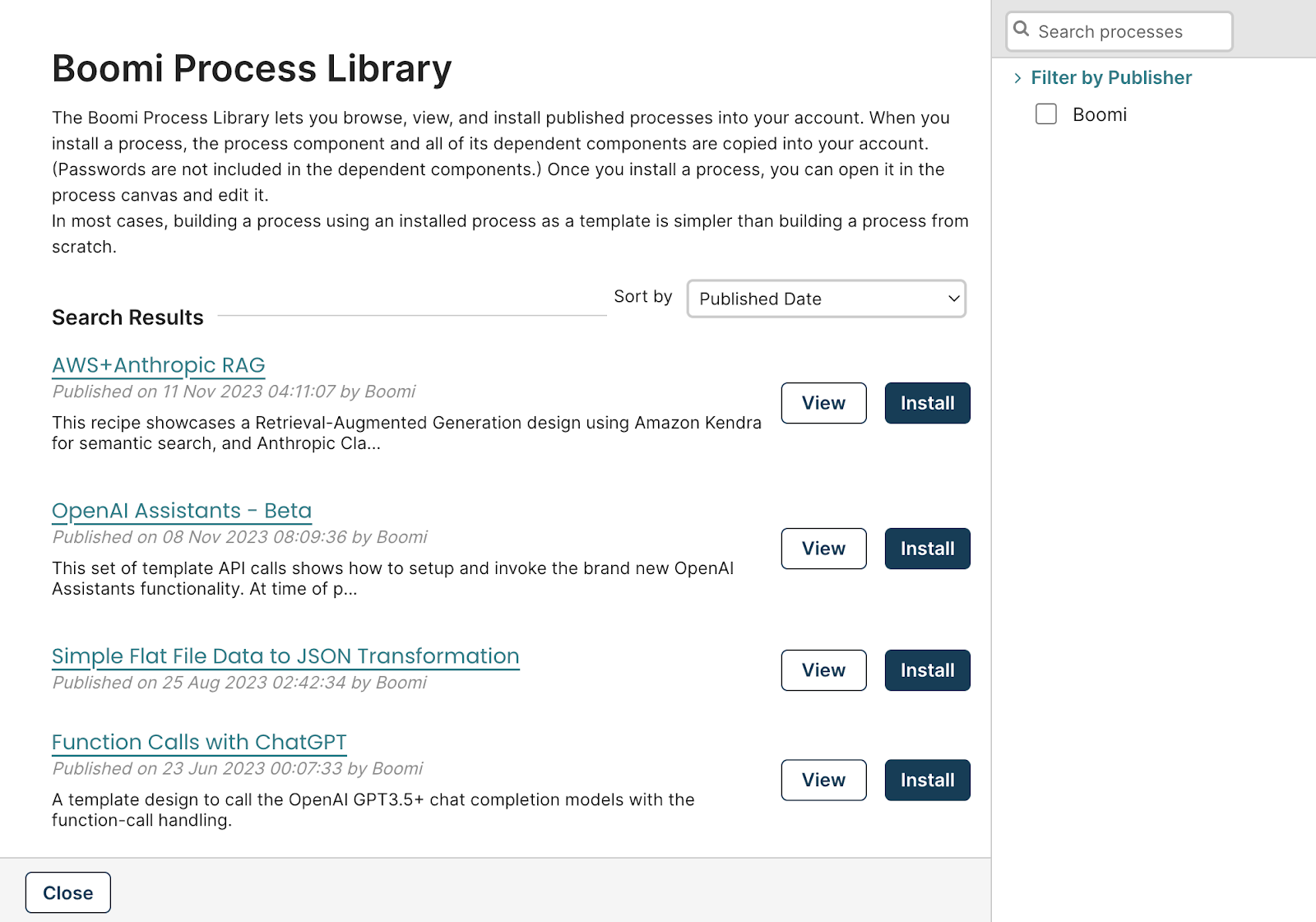
- Process Library: Our old good friend offering of Boomi that allows you to create templates and share them with other Boomi managed accounts. So, for example, if you’ve got multiple Boomi accounts for different departments within your organisation, you can create a process library package and push it to your sub-accounts so that it can be viewed and used from within the process library
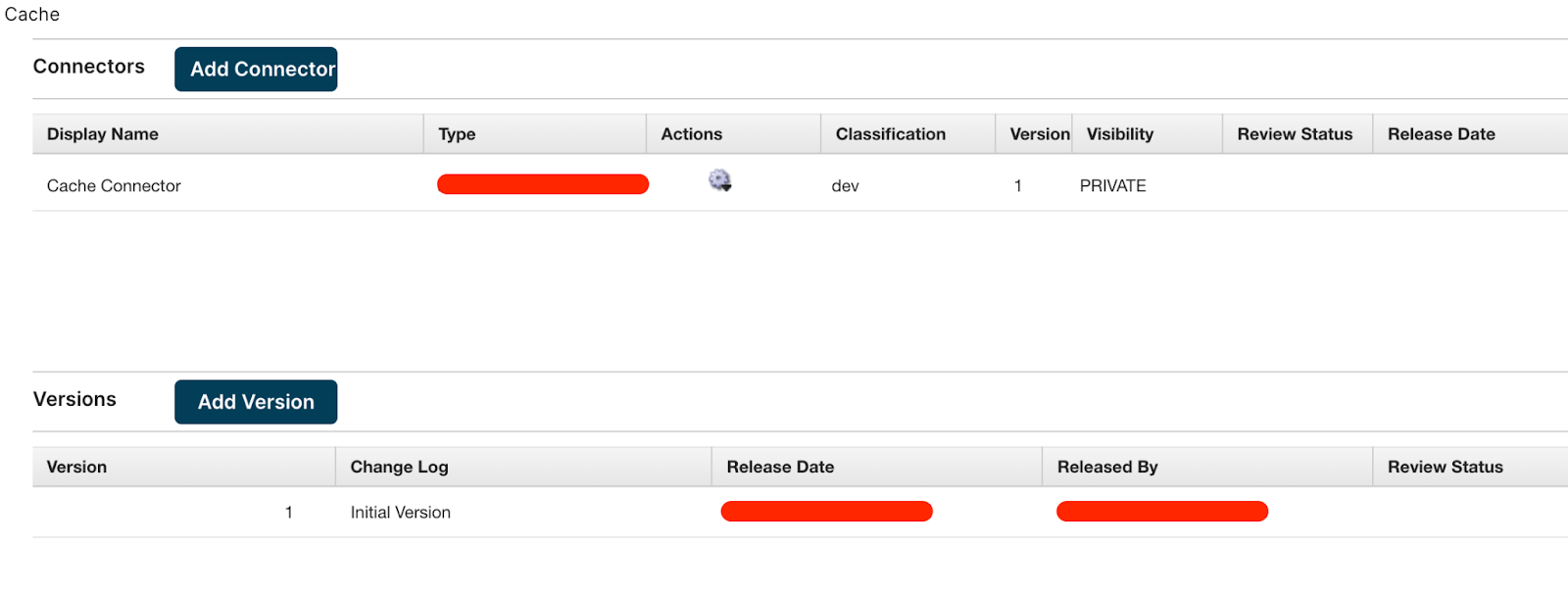
- Connectors: Another old offering of Boomi moved under the Boomi Labs umbrella. This is where you upload and publish custom connectors created using the Boomi SDK
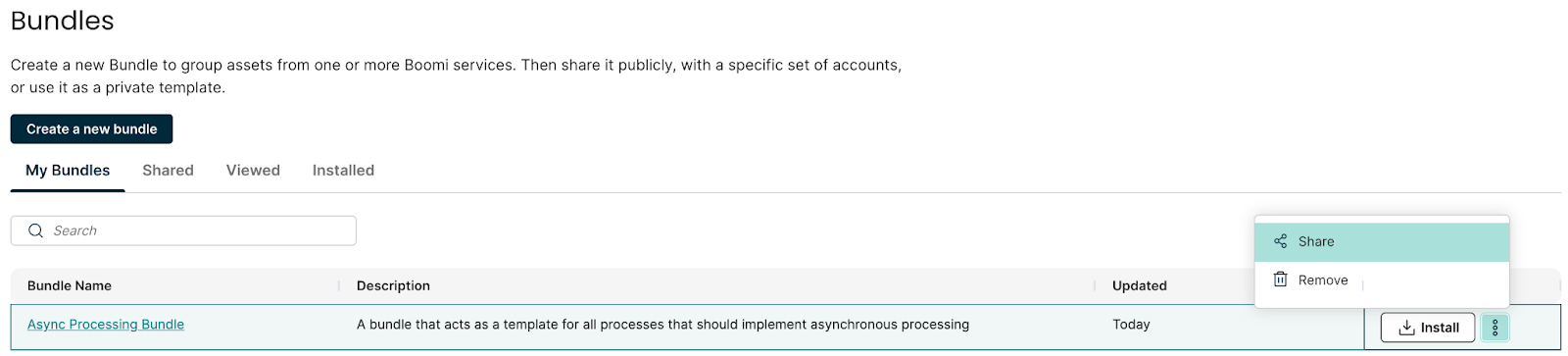
- Bundles: A new offering by Boomi that allows you to create templates and re-use them in the current account or even share them with other accounts. This is similar to the process library, however its scope is not limited to managed accounts. To understand it better, assume you want your developers to abide by a certain design pattern, say asynchronous processing for data integration. You can create a bundle that implements this pattern and ask your developers to always use it as a starting point.
- Integration Packs: Similar to bundles, this is a new feature in Boomi. Unlike Bundles and Process Library, Integration Packs are more targeted towards publishing a set of components rather than having them as templates. So assume you’ve got a certain framework, say a logging and exception handling one, and you want to use it in your production environment. You can create an Integration Pack and use it to deploy this framework to any Boomi account you manage. The users of that account won’t have access to the underlying processes and hence won’t be able to change the code.
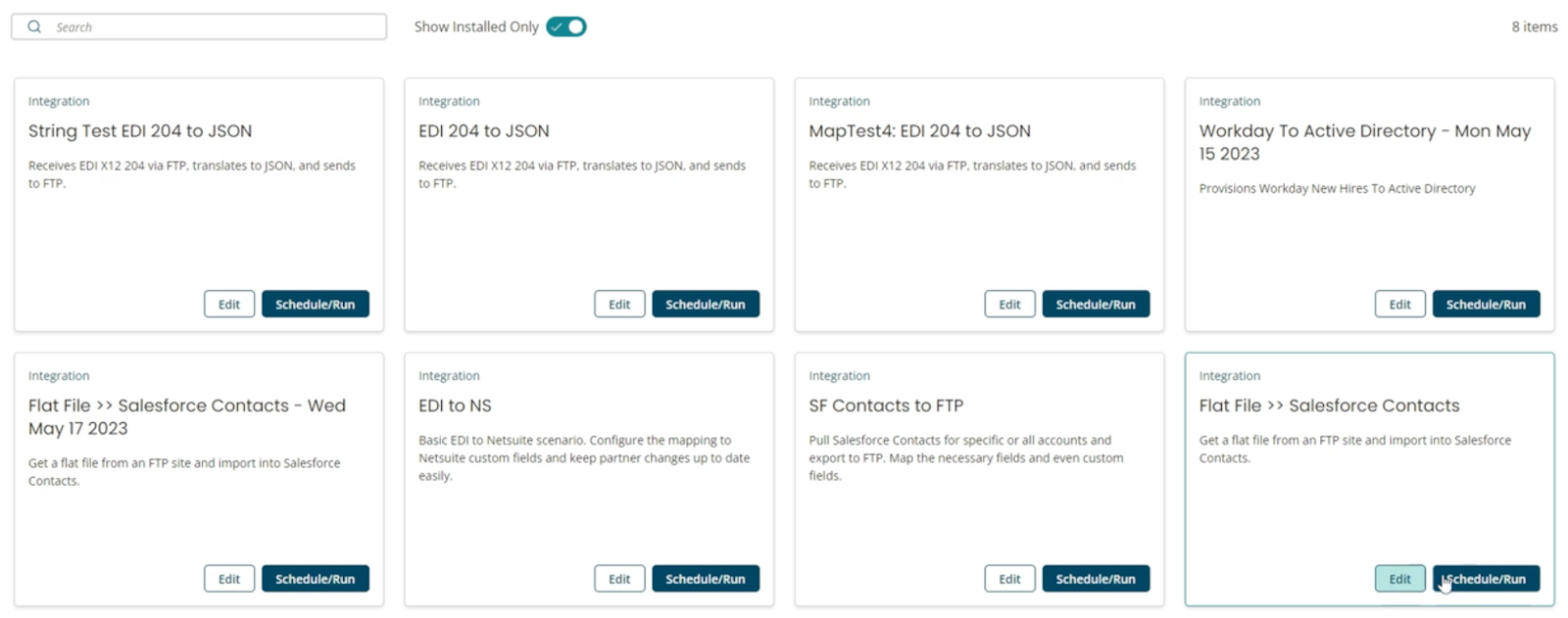
- Spaces: Boomi spaces is a way to make accessing, running, and configuring Integration Packs a more user-friendly operation. It’s about creating a UI that allows you to view the Integration Packs added to the space, with the ability as a non-technical user to run the and configure integrations without having to go into the processes which would normally require more “technical” expertise.

To make it simpler to understand those offerings, their relationships, and their differences, we have prepared the below visualisation which should be enough to clarify the whole concept

In this article, we have “demystified” Boomi’s new offerings for asset sharing on a high-level. In future articles, we’ll dig deeper into those new features and provide step-by-step tutorials on how to use and leverage them. If you are more interested in kickstarting your Boomi learning journey, check out our getting-started article. That’s all for now, happy learning!